Loading certificate verification…


colabstudio
Loading reservation pass…
Workshop reminders & instructions
- Please be on-site before 10AM so we can start promptly.
- Best to bring your own laptop, but we have available laptops if you cannot bring one.
- Before the workshop, please download and install Bambu Studio.
- Please sign up and sign in to your Bambu Studio account.
- Address: 6th Floor MG Tower 2, L. Gonzales corner Shaw Blvd., Mandaluyong City.
- Note: There are two MG Towers in Shaw. Pick the one in front of Meralco, not the one in front of JRU.
- Pay parking is available at the Medical Hub across Shaw.
- Need a different date? Rescheduling or rebooking is allowed only when requested at least 3 days before your reserved workshop schedule. Less than 3 days before the workshop, the reservation fee is forfeited and a new reservation is required, unless there is a public announcement cancelling classes at all levels.
- For help with your reservation, message CoLab Studio so our team can assist you.
CoLab Studio Customer Support
TikTok Comment Support Console
Staff-facing workflow for monitoring TikTok comments, drafting approved CoLab replies, and keeping an audit trail before public replies are sent.
Demo mode uses sample comments so the TikTok app review video can show the complete website flow while API approval is still pending.
TikTok API status: approval pending
Phase 1 scope: comment monitoring + comment replies
Phase 2: Business Messaging / DM after separate approval
Selected comment
Review and reply
When the app is approved, this button will call the server-side TikTok API sender. Tokens and customer data stay on the backend, not in browser code.
Audit trail
Support activity
CoLab Studio Products
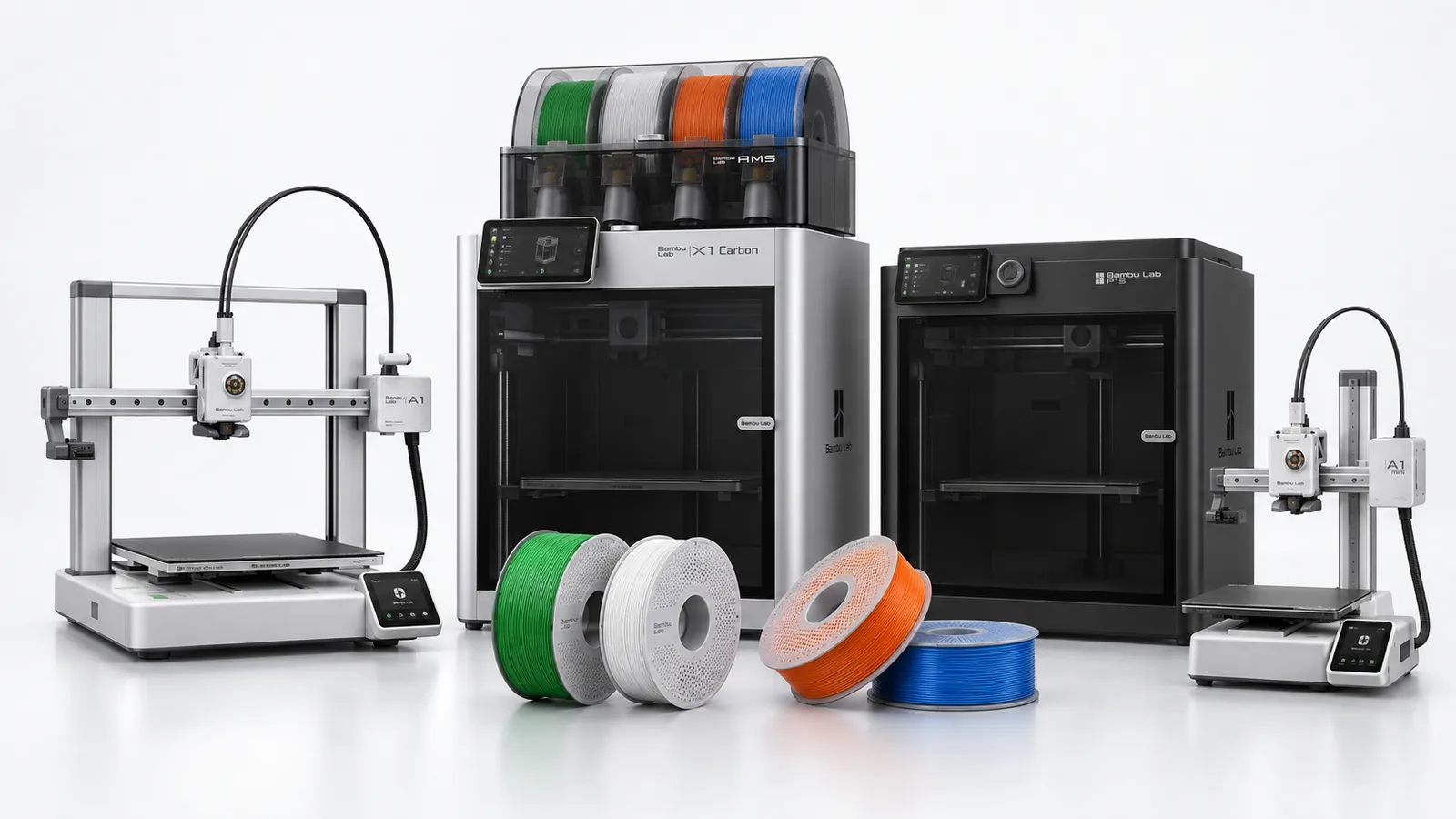
Bambu Lab printers for workshop alumni and makers.
Explore CoLab's current Bambu Lab printer list. The A1 and A2 series are highlighted for beginner-friendly buying decisions, with other models shown for comparison and special-order inquiries.
Featured
A1 and A2 series
Recommended starting points for beginners, classrooms, and creators who want an approachable Bambu Lab setup.
| Model | Series | CoLab Price | Workshop attendee price | Notes |
|---|---|---|---|---|
| Loading products… | ||||
Workshop participants get a better printer price.
Prices are based on CoLab's current reference sheet and may change with supplier availability. A1 series models are the usual beginner recommendation; higher-end models are commonly handled by order basis.
Secure checkout
Your CoLab cart
Total₱0.00
CoLab Studio Manufacturing Service
3D Printing Quotation
Upload your STL and fill in the job requirements. CoLab will estimate using standard service settings first, then show cost and lead-time details before any payment step.
- File review
- Standard estimate: 0.22mm / 15% infill
- Quote before payment
- Place order after quote
Job specifications
Request details
Log in or create an account to upload files and request a quote.
1
2
3
4
Hands-on 3D Printing Workshops
Make your first 3D print.
Learn how ideas become real objects at CoLab Studio. Join a beginner-friendly 3D printing workshop, create your own print, and become part of our growing maker alumni community.
From idea to object
Participants learn the print workflow and leave with something they made.
Google ReviewsWorkshop love
What you’ll learn
A practical, hands-on introduction to 3D printing — made simple for first-timers.
⎙
Printer Basics
Get familiar with printer parts, setup, materials, and safe operation.
◎
Prepare Your File
Learn the design-to-print workflow, including slicing and basic settings.
✦
Finish Your Print
See how prints are checked, cleaned, and improved after printing.
+
Join the Alumni
Stay connected through future sessions, showcases, and community updates.
Workshop Schedule
Loading schedule…Please wait
Quick Answers
Before you reserve
Here are the questions most people ask first — price, location, parking, inclusions, and what to bring.
Not just a class — a maker community.
After the workshop, alumni stay connected through future meetups, project showcases, advanced sessions, and collaboration opportunities.
Alumni group
Project showcases
Future workshops
Maker meetups
Featured Story
What you’ll make
Participants explore beginner-friendly 3D design and printing, then create small custom objects they can take home after the workshop.
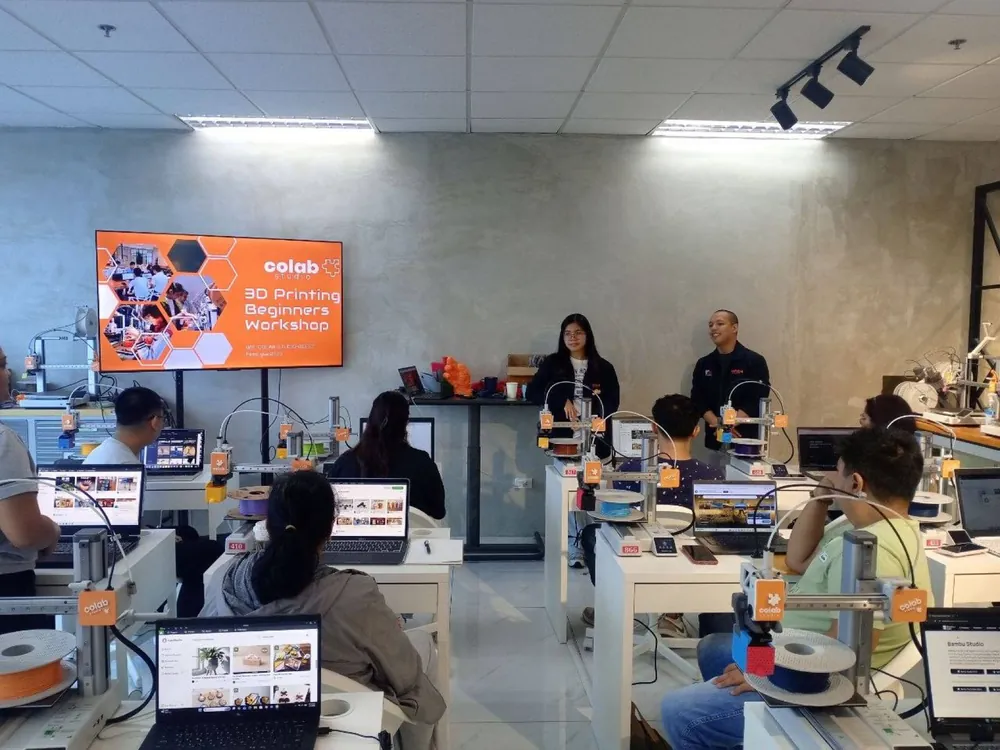
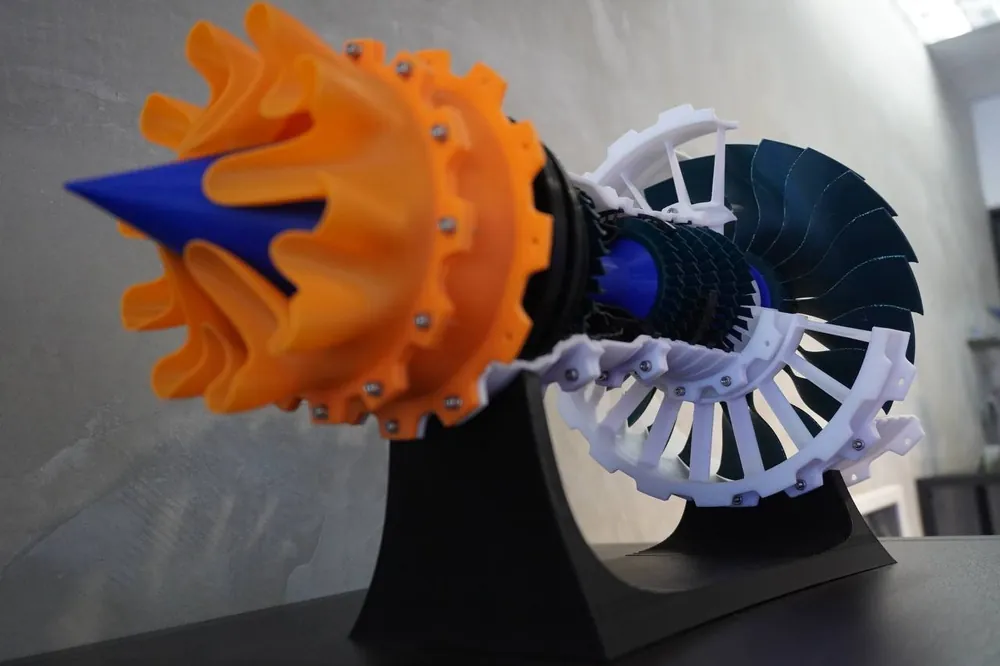
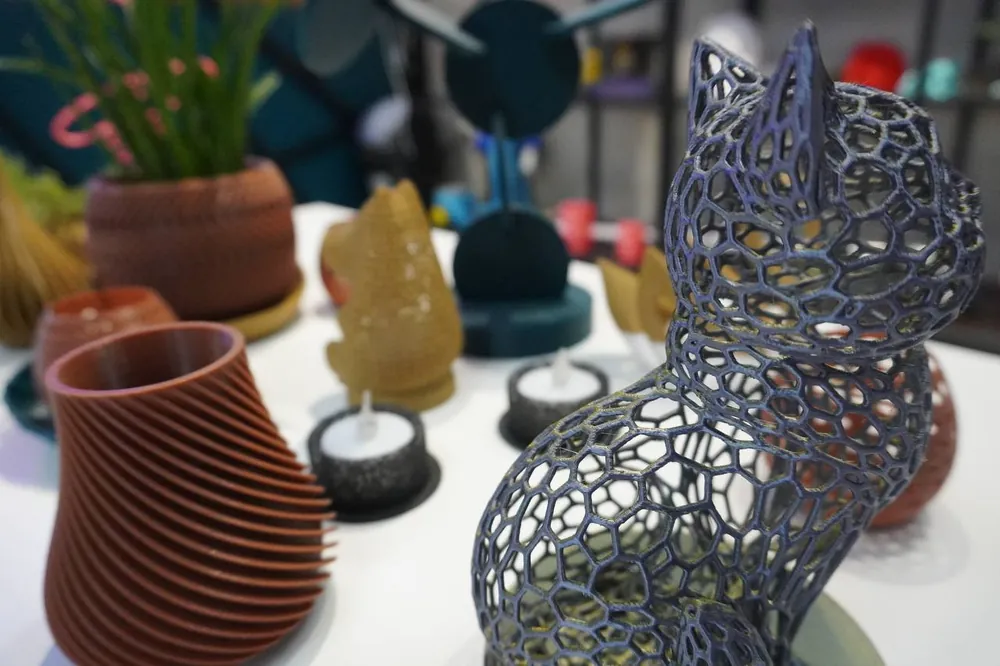
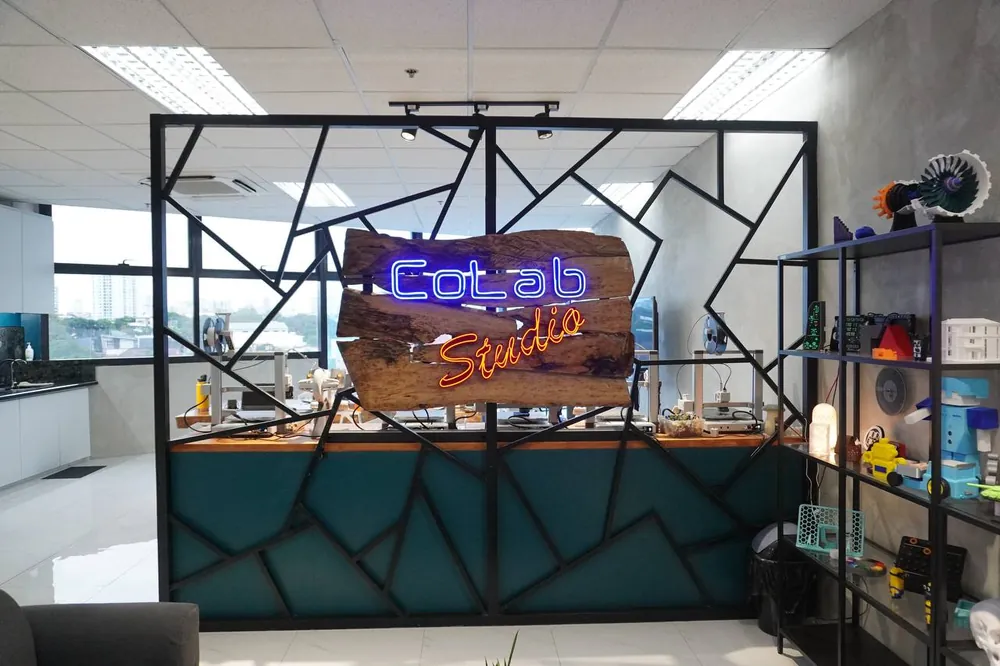
Recent Workshop Highlights
See the hands-on moments, student projects, and workshop energy from our latest CoLab Studio sessions.
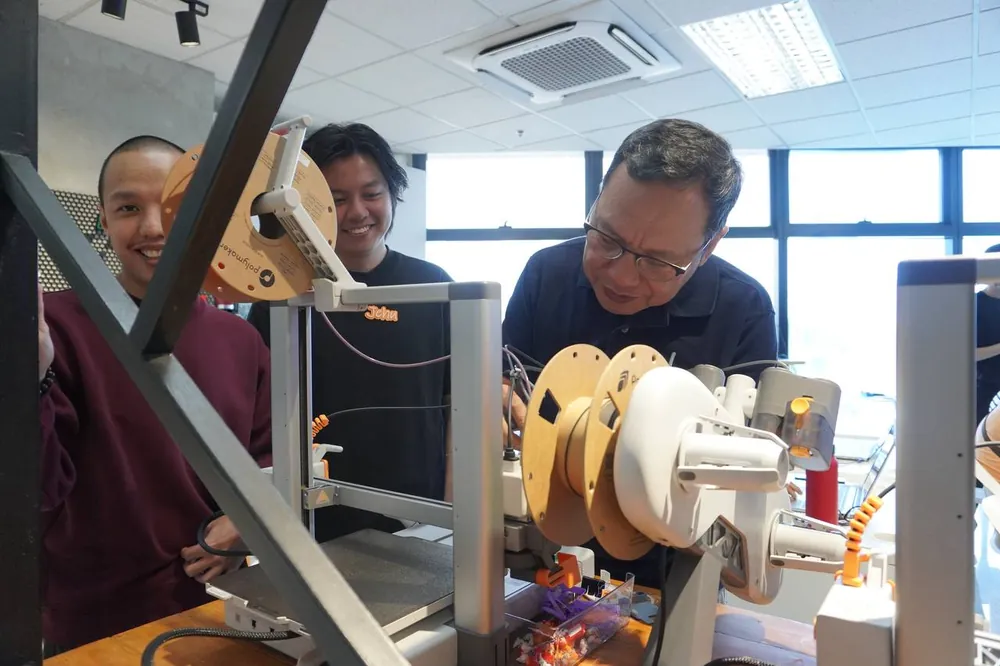
Hands-on learning
Participants get guided time with the printers, materials, and workflow so the process feels practical, not intimidating.
Small-group sessions
Workshops are designed for questions, demos, and real-time support while learners build confidence with 3D printing.
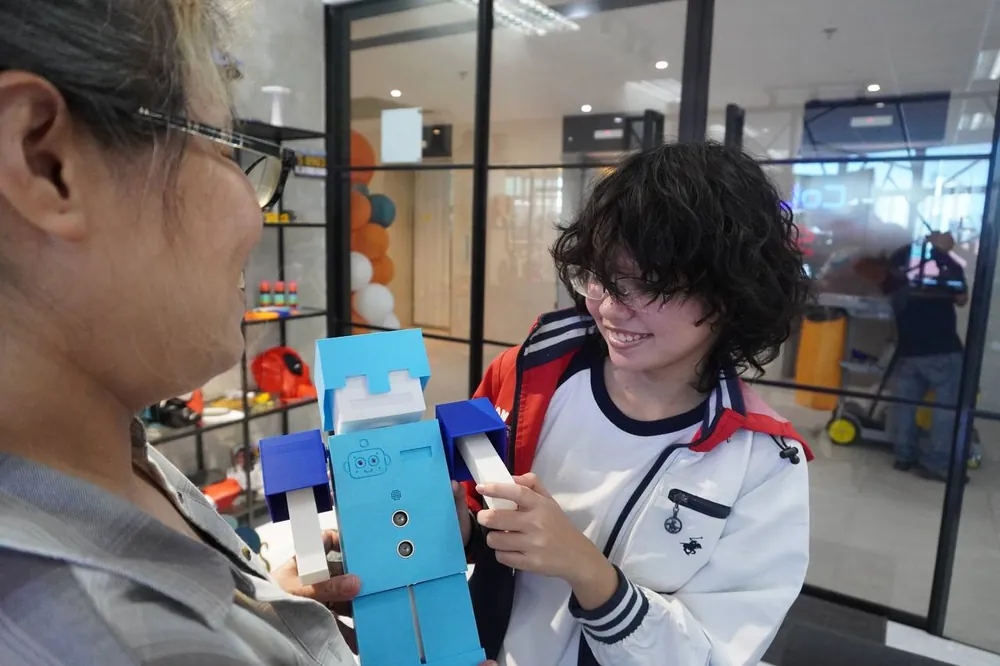
Projects to take home
Students create beginner-friendly printed objects and leave with a clearer idea of what they can make next.
Facebook
Loading latest posts…
Checking CoLab Studio’s newest Facebook updates.
Workshop FAQs
Everything you need to know before joining the Beginner 3D Printing Workshop.
How much is the workshop?
The Beginner 3D Printing Workshop is ₱3,900 per participant. It is a 6-hour hands-on session covering the fundamentals of 3D printing — from digital design to creating your own printed models.
What is included?
- Your own assigned 3D printer during the workshop
- Free materials — print as much as the workshop time allows
- All your printed outputs to take home
- 3D printed freebies during icebreakers
- Afternoon snacks
- A physical and digital Certificate of Completion
Where is CoLab Studio?
CoLab Studio is located at 6th Floor, MG Tower 2, Shaw Blvd. corner L. Gonzales, Mandaluyong City.
Open in Google Maps
Where can I park?
You can park at High Pointe Medical Hub, across MG Tower 2.
What should I bring?
It is best to bring your own laptop so you can work comfortably on your files. If you do not have one, we also have laptops available at the studio for your convenience.
What should I prepare before the workshop?
- Please be on-site before 10AM so we can start promptly.
- Before the workshop, please download and install Bambu Studio.
- Please sign up and sign in to your Bambu Studio account.
- Address reminder: there are two MG Towers on Shaw. Pick MG Tower 2 near Meralco, not the one near JRU.
What will we learn?
- 1 hour lecture on 3D Printing
- 1 hour hands-on 3D Printing discovery
- 1 hour Basic 3D Modeling using TinkerCAD
- 1 hour Basic Slicing and 3D Printing using Bambu Studio
- 1.5 hours 3D Modeling / Printing exercise
- 30 minutes Q&A and open discussion
Can I reschedule or rebook my workshop slot?
Yes, but only if you request the change at least 3 days before your reserved workshop schedule. Requests made less than 3 days before the workshop forfeit the reservation fee and require a new reservation, unless there is a public announcement cancelling classes at all levels. If you need help with your reservation, please talk to CoLab Studio staff.
Do you offer group discounts?
Yes. Groups of 5 or more get 10% off. You may also request an exclusive session on your preferred date, subject to schedule availability.
Still have questions?
Message us and we’ll help you confirm the best schedule, group setup, or reservation details.
CoLab Studio Coupon
Friend Coupon
Checking coupon…
Admin
Coupon Monitor
Search Friend Coupon usage by hash code, participant, status, or reservation reference.
Checking admin access…
Admin Analytics
Site Visits
Quick traffic summary for CoLab Studio marketing activity. Admin-only.
Checking access…
Daily visits by origin
Stacked by referrer/origin, grouped by Manila date from all visit logs within the selected scope.
Website reservations
Unique website reservation submissions, grouped by Manila submission date using the same scope.
Top campaigns
Top referrers
Top pages
Recent activity
FrontDesk check-in
Scan a Reservation Pass
FrontDesk and Admin users can use a phone or tablet camera to scan a pass QR. If camera scanning is unavailable, paste the pass link or ID below.
- Sign in with an Admin or FrontDesk account.
- Tap Start camera scanner, then point the camera at the Reservation Pass QR.
- If scanning is not supported by the browser, paste the pass link or Pass ID in Manual lookup.
- Confirm payment, balance, and certificate name spelling, then mark checked-in.
Checking sign-in…
Camera scanner
Manual lookup
Participants for the day
Use this if the participant does not have the Pass available. Pick a workshop date, then open the matching reservation.
Sign in with FrontDesk/Admin access, choose a date, then load participants.